
Skip to content
Butlaroo

Self-Order Kiosk

Let guests skip the line and order for themselves.

A fluent, photo-led ordering flow built for maximum throughput. Runs on any device. No locked-in hardware to maintain.
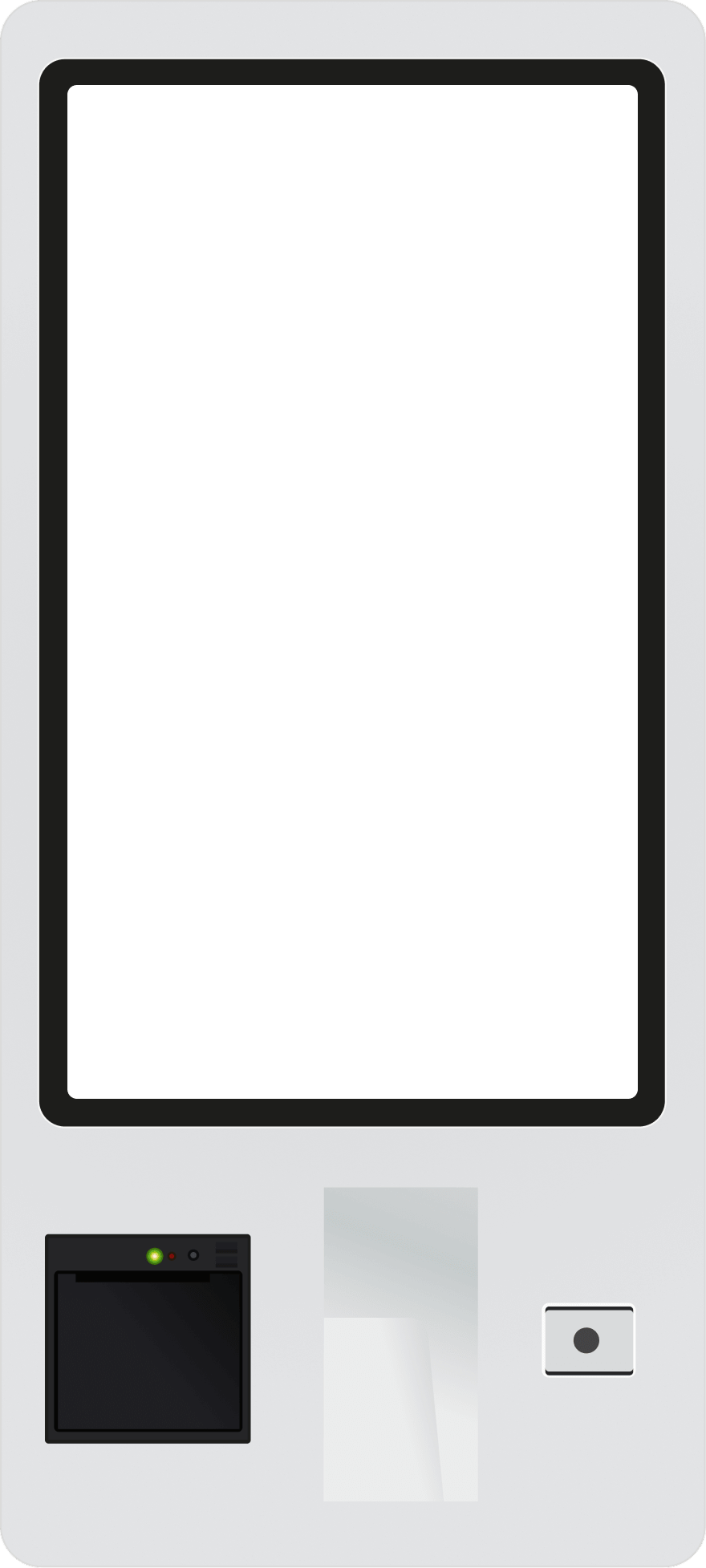
Butlaroo self-order kiosk hardware running a branded menu

Trusted by the world's leading hospitality brands

  • Loetje
  • Compass Group
  • Johan Cruijf Arena
  • Center Parcs
  • Happy Italy
  • Vermaat
  • Van der Valk
  • La Cubanita
  • Philips Stadion
  • Hutten Catering
  • Stach
  • Albron
  • Mooie Boules
  • Sea Palace Amsterdam
  • Down Town Gourmet Market
  • Aloha Wijk aan Zee
  • Essendi
  • Restaurant Company Europe
  • Poke Perfect
  • Salsa Shop
  • Novotel
  • Broodje Popov
  • The Butcher
  • Gourmet Market Central Station
  • Club Pellikaan
  • Ibis
  • Foodhall Arnhem
  • Crowne Plaza Amsterdam Zuid
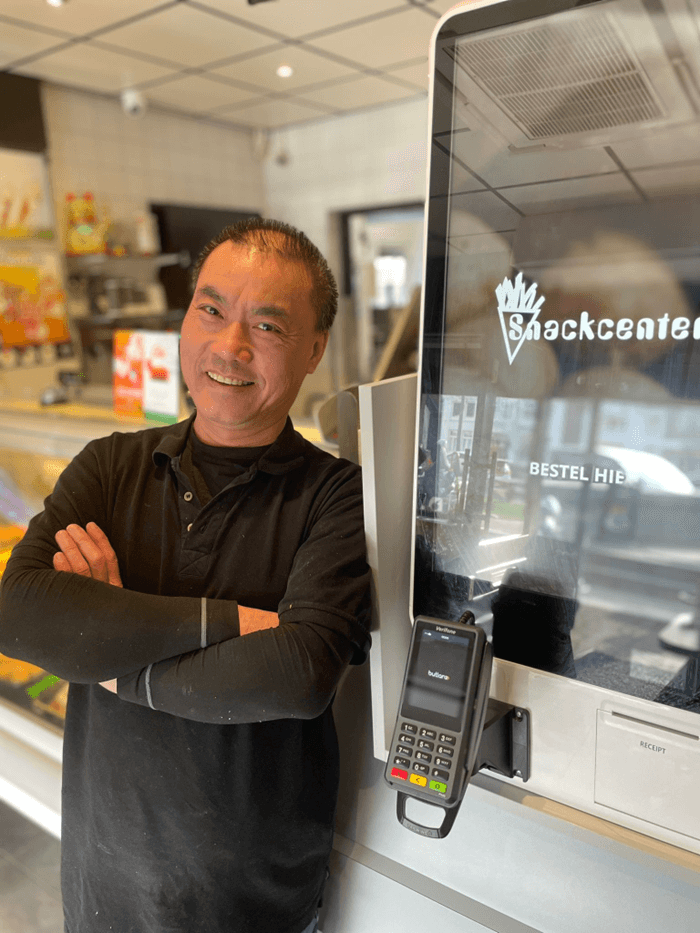
Lisheng Jiang, Snackcenter Eindhoven

Customer story

I no longer waste any time taking orders and handling payments, allowing me to focus entirely on the most important thing: maximizing revenue during peak demand.
Lisheng Jiang
Snackcenter Eindhoven

What a kiosk unlocks for your floor.

  • 01

    Open an extra order line without adding staff hours.

    Every kiosk is an ordering lane that opens when your doors do, with no staff to schedule. Add a second at lunch and a third on the weekend. Capacity grows with the day, not with the payroll.

    Cashier lineBreaks · shift changes
    Butlaroo kiosksAlways open · 3 in parallel
  • 02

    Lift the average ticket.

    Modifier prompts, combo upsells, and a perfect dessert nudge appear on every order. The kiosk never forgets to ask.

    Burger
    €12.00
    Soft drink
    €3.50
    Add fries?Suggested
    +€3.00
  • 03

    Save the cost of a cashier.

    Reassign your best people to the kitchen pass-through and the floor. The kiosk handles ordering, the human handles hospitality.

    Cashier−1 POS
    At the pass+1
    On the floor+1

How it works

From walk-in to ready, in four steps.

  1. Welcome

    EN
    Eat in
    Take away

    Guest taps to start.

    Eat in or take away, in their language. Big buttons, no manual.

  2. Menu

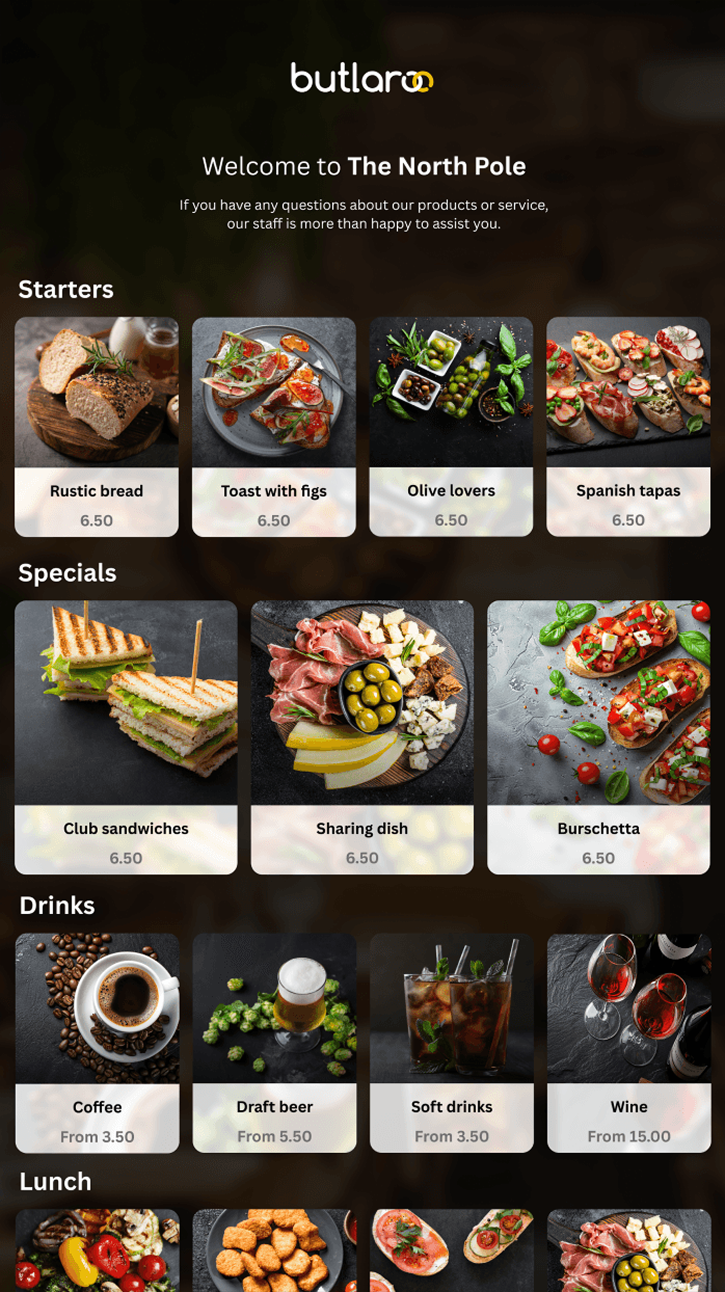
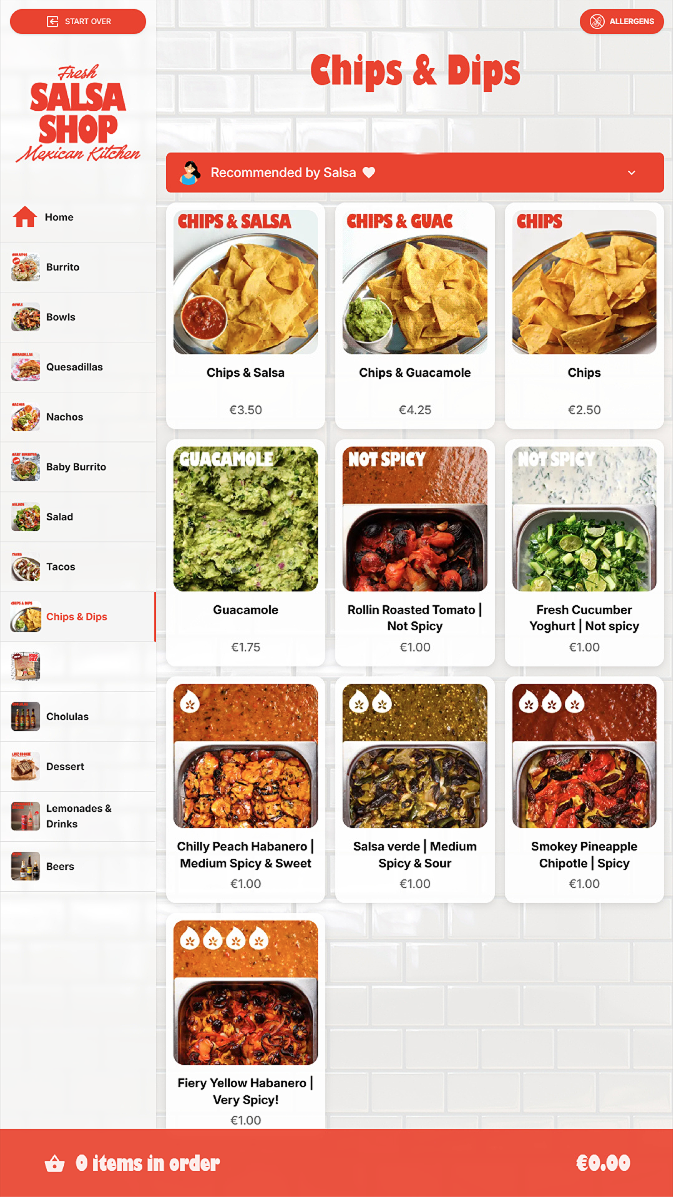
    Browses a visual menu with photos.

    Categories, dietary filters, allergens, live availability.

  3. Burger
    €9
    Drink
    €3
    Make it a meal?Combo
    +€3

    Adds items, sees smart upsells.

    Combo prompts and modifier flows that earn their keep.

  4. Tap to pay

    €12

    ✓ Paid

    Pays at the kiosk, ticket lands in the kitchen.

    Card, contactless, Apple Pay. Receipt to print, email, or QR.

Butlaroo in the wild

Your sharpest seller, every single order.

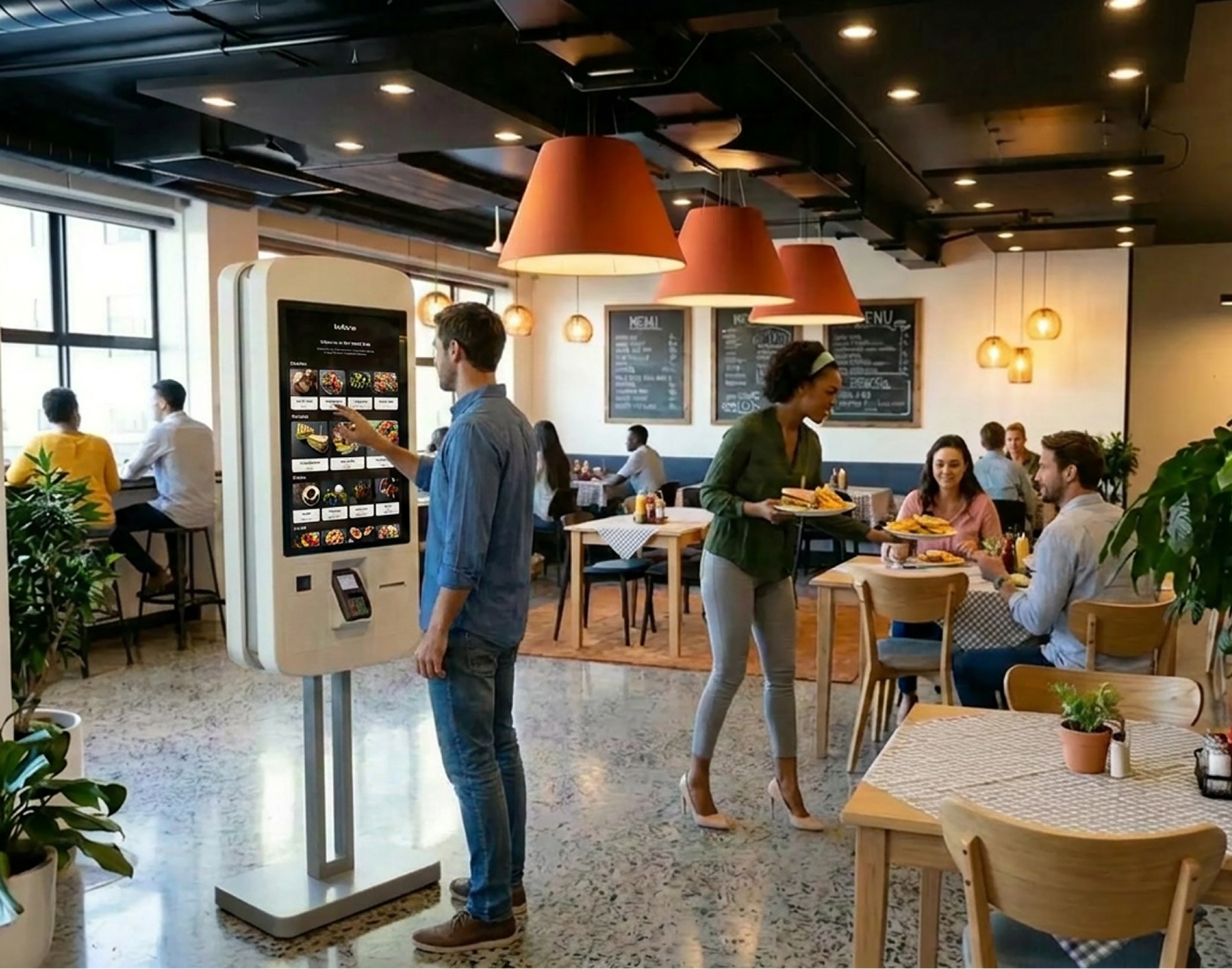
The kiosk asks every guest, every time. Hour one or hour three of the rush, the modifier prompt, the combo nudge, and the dessert offer land with the same polish.
  • Asks every guest
  • Never an off day
  • Same pitch, every hour
A guest taps to order at a Butlaroo self-order kiosk while staff serve plated food in a warm, modern restaurant.

Every detail, dialed in.

Four areas, sixteen features. Switch on what you need today, layer in the rest as you grow.

  • 12
    14
    16
    18

    Photo-led menu

    Big tiles, real photography, live prices. The guest sees what they're buying before they tap, so they buy more of it.

  • Menu language

    HelloBonjourHalloHolaCiaoこんにちは

    One tap, their language

    Switch to Spanish, German, Mandarin in one tap from the home screen. Tourists order in confidence, queue doesn't move slower.

  • AccessibilityOn
    AAaA
    Reach mode
    Voice

    Accessible by default

    Wheelchair mode lowers the whole screen to a seated reach. Large-text and screen-reader modes ship in the base build, no add-on.

  • Allergens

    G
    M
    E
    N
    S

    Egg hidden for guest

    Allergen flags

    Clear icons on every dish the kitchen flagged. The guest decides on the screen, not when staff is already plating.

Hardware independent

Your screens, your peripherals, our software..

Run our self-ordering kiosk software on any device, from a 10-inch counter unit to a 32-inch floor-stander. Pick your screen, pick your printer, pick your payment terminal. Or skip the sourcing and order our plug-and-play kiosks, pre-configured and ready to trade out of the box. Runs on the hardware you already use.

  • 01

    Any device

    Counter, wall-mount, floor-stand. Touch screens, all-in-ones, even existing kiosks.

  • 02

    Bring your peripherals

    Receipt printers, payment terminals, scanners. We integrate, you don't replace.

  • 03

    No vendor lock-in

    Your hardware stays yours. Change supplier, change screens. The software follows.

Works with what you already run.

Connects to the POS, payments, kitchen displays, and accounting you already use.

See all integrations
  • Lightspeed
  • unTill
  • Oracle Micros
  • Trivec
  • Vectron
  • Mr. Winston

Questions, answered.

  • Do I need to buy your hardware?

    No. Our kiosk software runs on any device. Counter unit, wall-mount, or floor-stander, with the screen, printer, and payment terminal you already have or prefer to source.

  • How much faster is a kiosk than a cashier?

    In our deployments, a single kiosk processes 2 to 3 times the orders a cashier can during peak. Add a second kiosk and the queue collapses entirely.

  • Which languages are supported?

    Out of the box: English, Dutch, German, French, Spanish, Italian, Portuguese, plus right-to-left languages. Add more on request.

  • Which payment methods work?

    Contactless card, Apple Pay, Google Pay, chip and PIN, plus market-specific rails like iDEAL and Bancontact. Tipping is configurable per venue.

  • Will it work with my kitchen display?

    Yes. We integrate with the major KDS and printer vendors. If yours is missing, we add it.

  • Can I match my brand?

    Logo, colors, fonts, photography. Every venue can run its own theme, even within the same group.

  • How is it priced?

    Pricing depends on your setup. See current rates and a quick estimate for your restaurant on our pricing page.

    See pricing

Ready to ditch the queue? Start with a demo..

The platform.

One AI-powered restaurant OS to support all ordering channels & operations.
01 / 03
Channels
How customers order
6 modules
Channels
QR Ordering
Scan. Order. Pay at table.
Scan to order
Read about QR Ordering →
Channels
Self-Order Kiosk
Self-service that actually sells.
Tap to order
Read about Self-Order Kiosk →
Channels
Point of sale
The staff channel. Counter, table, handhelds.
Table 4
Read about Point of sale →
Channels
Click & Collect
Order ahead. Walk out with it.
Read about Click & Collect →
Channels
Delivery
Your delivery. Your customers.
Read about Delivery →
Channels
Delivery Marketplaces
Uber, JustEatTakeaway. One menu.
JustEatTakeaway
UberEats
Read about Delivery Marketplaces →
02 / 03
Operations
How you run the floor
4 modules
Operations
Butlaroo Workstation
KDS. Pacing. Expediting.
Available
In preparation
Pizza Margherita
Cacio e Pepe
Read about Butlaroo Workstation →
Operations
Butlaroo Pay
Tap to pay. Built in.
Online checkout€42.00
Visa
Mastercard
Apple Pay
Google Pay
PayPal
iDEAL
Bancontact
Sofort
Payconiq
Maestro
Read about Butlaroo Pay →
Operations
POS Integrations
Oracle, Lightspeed, Aloha + 20 EU.
QR
Kiosk
Click & Collect
Delivery
Read about POS Integrations →
Operations
Enterprise
HQ → Region → Brand → Venue.
Read about Enterprise →
03 / 03
Intelligence
How you grow
4 modules
Intelligence
Butlaroo AI (Vivi)
In-menu chat. Basket-aware.
Vivi
Anything vegetarian?
Read about Butlaroo AI (Vivi) →
Intelligence
Butlaroo Stories
Reels for restaurants. With ROI.
House aperitivoAperol Spritz.Add to order
Read about Butlaroo Stories →
Intelligence
Butlaroo Loyalty
Loyalty that follows the guest.
Order complete
Flat white
Almond croissant
Earned
+45 points
Read about Butlaroo Loyalty →
Intelligence
Butlaroo Analytics
Why guests buy, not just what.
Open menu
0%
Open category
0%
Add product
0%
Place order
0%
Read about Butlaroo Analytics →